If you’ve ever been confused about SEO and what all the terms mean you’re not alone. The tech nerds who create this stuff love to make everything as confusing as possible.
You don’t need to become an SEO expert to improve your website, and you certainly don’t need to understand every technical detail. But you should understand enough to know what you’re paying for if you ever hire someone to do SEO for you.
There are plenty of knowledgeable SEO professionals, but there are also people selling expensive SEO services that amount to little more than running your website through an automated tool and handing you the resulting report. This can be particularly problematic in the adult industry, where some of the marketing tools and data available to mainstream businesses aren’t available or aren’t as useful.
Learning the basics will help you ask better questions and recognize when someone is actually providing value.
In this article I’m going to outline some of the most common SEO terms in plain English so you’ll get an understanding of what SEO is and how you can apply to your escort website.
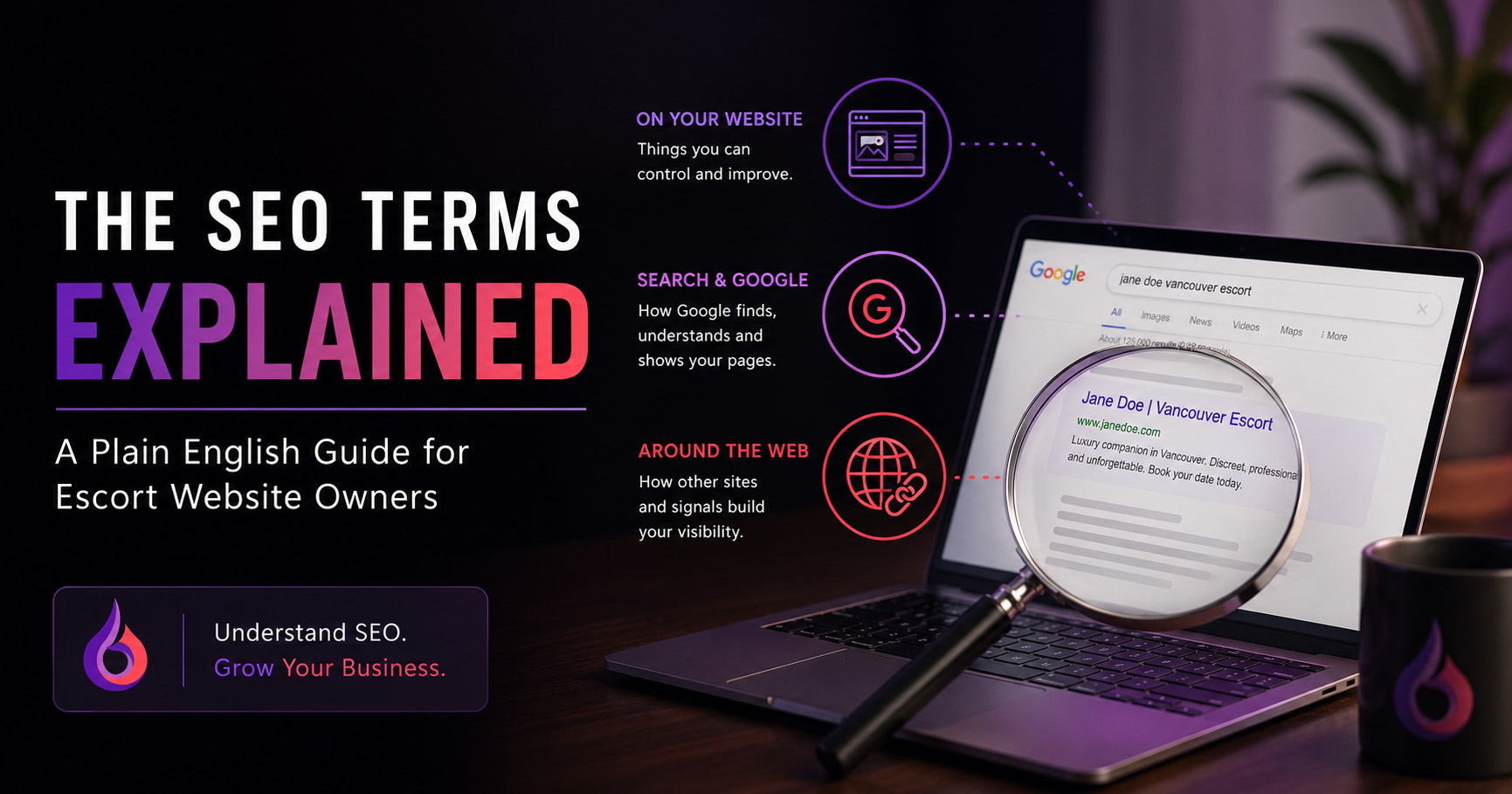
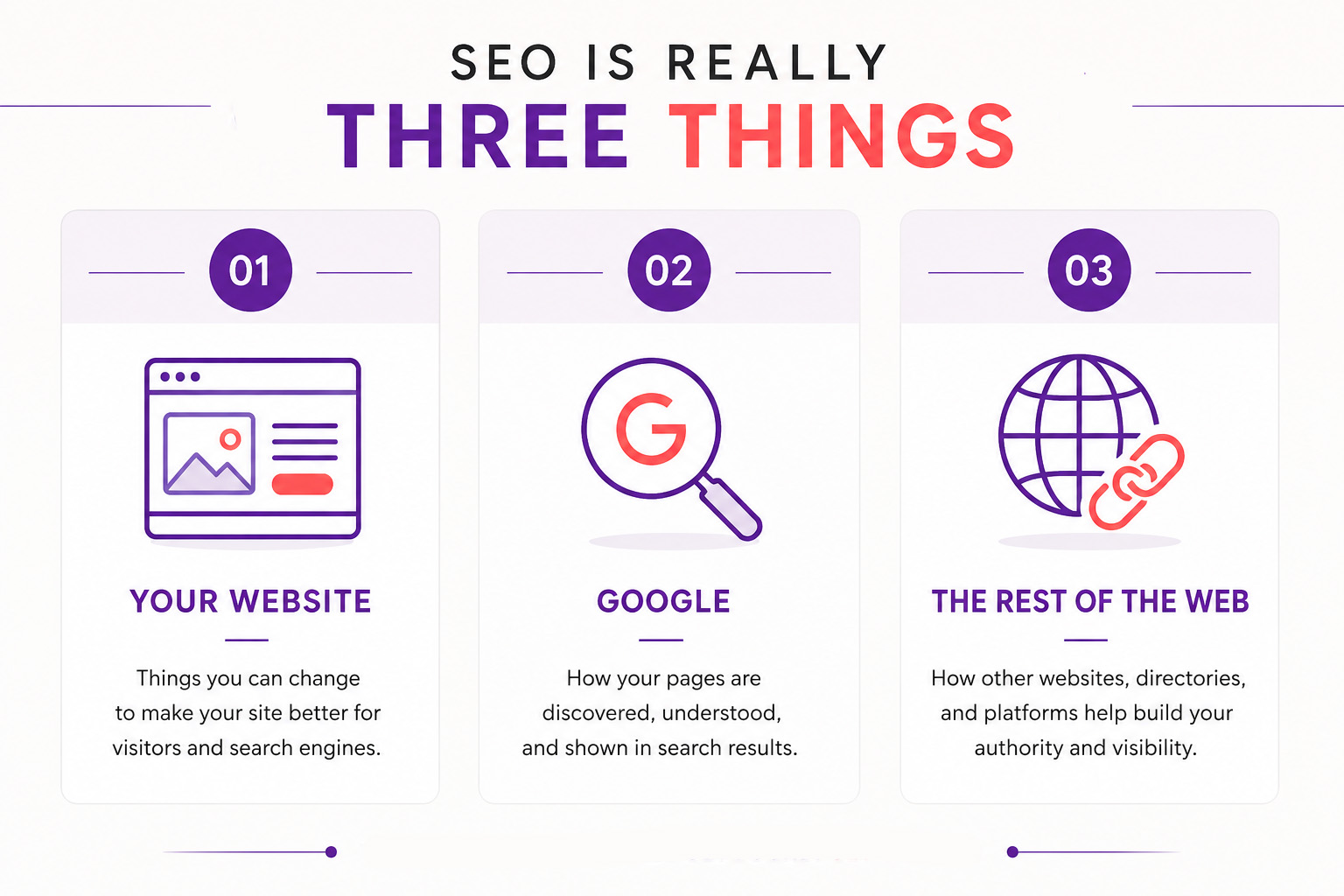
One of the first things to know is that SEO can be broken down into three main categories.
- Things you can do on your website
- Things Google does
- Things other websites can help with
The good news is that most of the SEO improvements that make the biggest difference are the ones you can make to your website and thus completely under your control.
1. Things You Control on Your Website (On-Page SEO)
Keywords
Keywords are the words or phrases people type into Google when they’re looking for something. For example someone might search for something like “Jane Doe Vancouver escort.” Choosing the right keywords to put on your website helps Google understand which searches your website should appear for.
Action: Use Google Search Console to find out which keywords people are typing to find your website.
Meta Title
A meta title is the main clickable link that appears for your page in Google search results. It tells both Google and potential visitors what the page is about. A good meta title should clearly describe the page and include the main keyword you want that page to rank for.
Action: Give every page a unique title. Your homepage, rates, gallery, etc should all have a unique title with your name in it.
Meta Description
The meta description is the short description that can appear underneath your title in search results. Think of it as a tiny advertisement for the page. It should tell someone what they’ll find if they click and give them a reason to visit your website.
Action: Write a compelling description that encourages people to click but don’t oversell it.
H1 Heading
The H1 is the main headline on a webpage. Just as a newspaper article has one main headline, each page of your website should have one clear H1 that tells visitors and Google what the page is about.
Action: Give every page one clear H1 describing what that particular page is about.
H2 & H3 Headings
H2 and H3 headings are used to divide a page into smaller sections. They make longer pages easier for people to read and help Google understand how the different topics on the page relate to each other.
For example, an About page might use “About Jane Doe” as its H1, followed by H2 headings such as “A Little About Me,” “My Interests,” and “What to Expect.”
Action: Break long pages into logical sections.
Optimized Images
Large images can make your website extremely slow. Image optimization simply means reducing an image to the size and quality actually needed for your website instead of uploading the enormous original files. Besides optimizing for speed you should also optimize for SEO by changing your file names. Don’t use the default name that comes from the camera, i.e. IMG_94584 instead change it to something like jane-doe-escort.jpg
Images can also include something called alt text, which is a written description of the image primarily intended for accessibility. Describe the image naturally rather than stuffing keywords into it.
Action: Resize, compress and rename before uploading to your website.
Internal Links
An internal link is a link from one page of your website to another page on the same website. For example, your homepage might link to your About or Contact page. Internal links help visitors find related information and help Google understand which pages on your website are important.
Action: This works especially well if you have a blog and can link articles together.
Mobile Optimization
Mobile optimization simply means making sure your website works just as well on a phone as it does on a desktop computer. Text should be easy to read, buttons should be easy to tap, photos should fit properly, and visitors shouldn’t need to zoom in or scroll sideways.
Action: Most of your visitors will be on their phone so make sure your website is optimized.
Page Speed
Page speed is how quickly your website loads. People generally don’t have much patience for slow websites, especially on their phones. Large images, unnecessary plugins, poor hosting and badly built websites can all increase loading times.
Action: Resize and compress large images, remove unnecessary plugins and test your website’s loading speed regularly.
Calls to Action
A Call to Action, usually shortened to CTA, tells a visitor what you want them to do next. On an escort website, this might be “Contact Me,” “Send an Inquiry,” or “Book Now.” Your website should always make the next step obvious instead of making potential clients figure it out themselves.
Action: Every page should guide visitors toward contacting you.
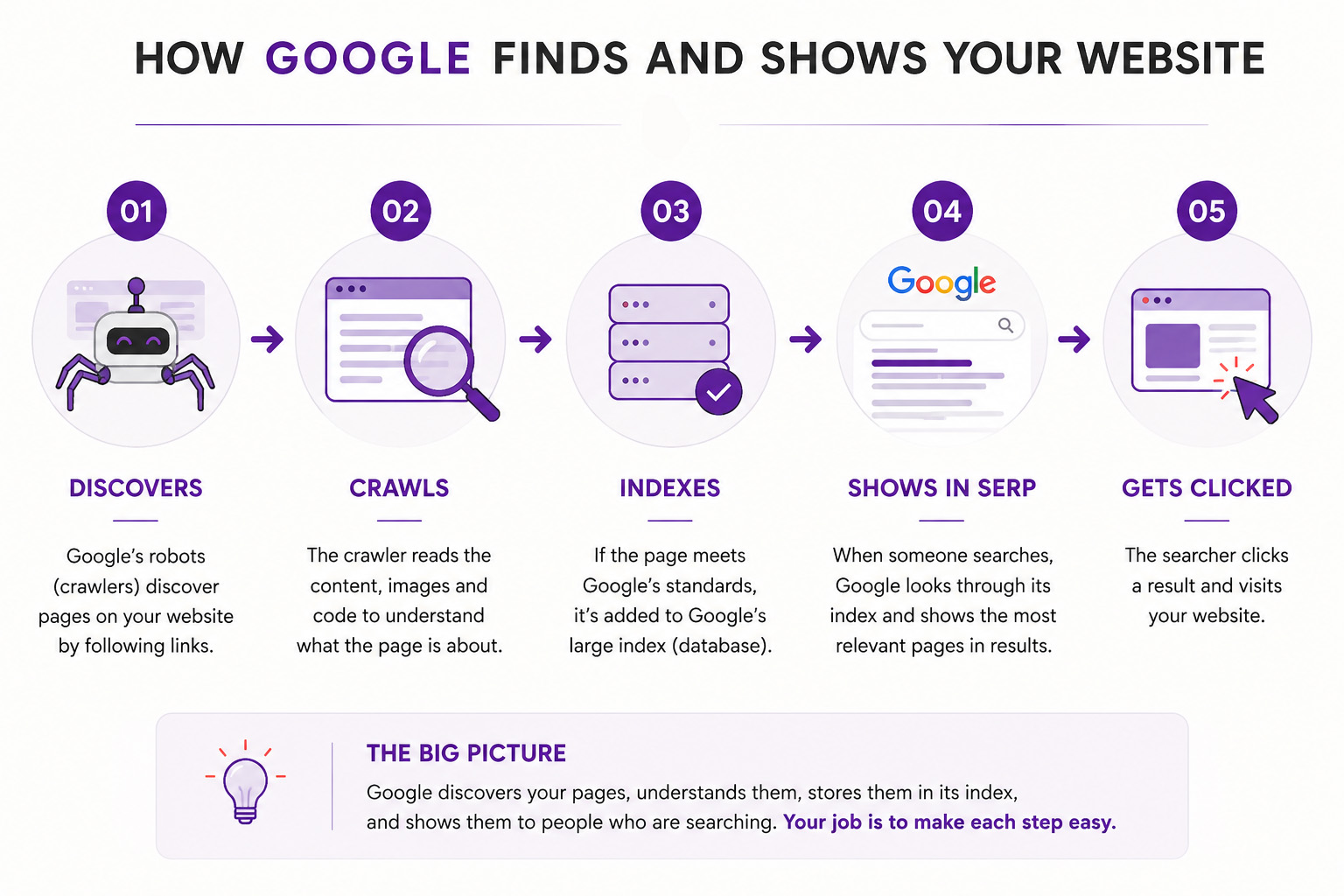
2. Things Google Does (Understanding How Search Works)
This section helps remove the mystery.
Crawling
Crawling is how Google discovers what’s on your website. Google uses automated programs, sometimes called crawlers or bots, that visit webpages and follow links from one page to another. Think of it as Google exploring your website so it can understand what pages you have and what they’re about.
Indexing
After Google crawls a page, it may add that page to its index. The index is essentially Google’s enormous database of webpages that it can choose from when someone performs a search. If one of your pages isn’t indexed, it generally can’t appear in Google’s search results.
SERP
The Search Engine Results Page.
SERP stands for Search Engine Results Page. It’s simply the page you see after searching for something on Google. If you search “Jane Doe Vancouver escort” and Jane’s website appears third, her website is ranking in position three on the SERP. The goal of SEO is generally to move as high up as you can in these results.
Impressions
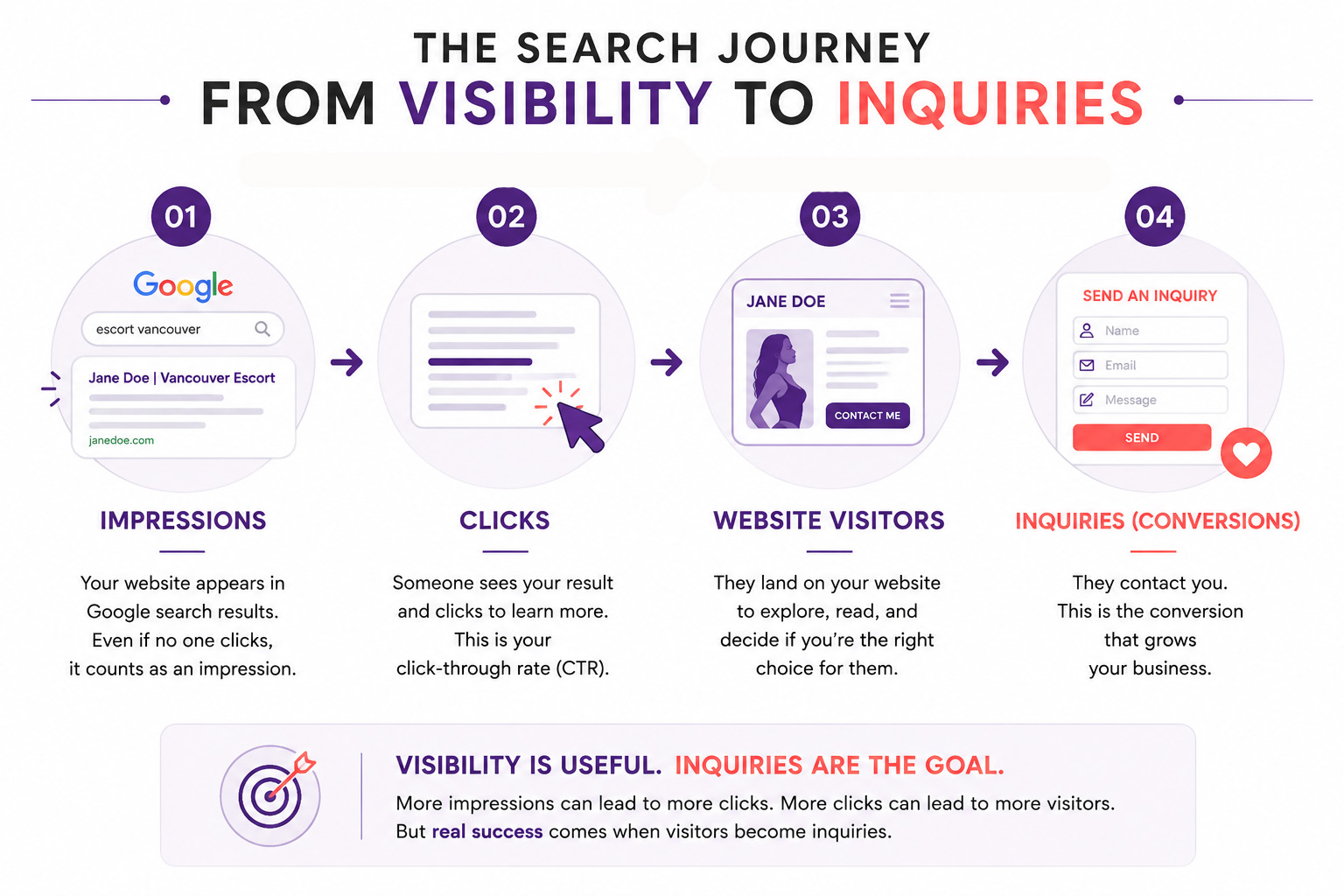
An impression happens whenever your website appears in someone’s Google search results. They don’t have to click on your website for it to count. For example, if your website appeared in Google 1,000 times this month, that’s 1,000 impressions. Tracking impressions can help you see whether your website is becoming more visible in search.
Click-Through Rate (CTR)
Click-Through Rate, usually shortened to CTR, tells you what percentage of people clicked on your website after seeing it in the search results. If your website appeared 100 times and 10 people clicked it, your CTR would be 10%. A low CTR can sometimes mean that your title or description isn’t giving people a compelling enough reason to choose your website.
Bounce Rate
Bounce rate is a measurement of visitors who leave your website without meaningfully engaging with it. A high bounce rate can sometimes indicate that visitors didn’t find what they expected, the website loaded too slowly, or the page didn’t give them a reason to continue. However, a high bounce rate isn’t automatically bad—the context of the page matters.
Organic Traffic
Organic traffic refers to people who find your website through unpaid search results. If someone searches “Jane Doe Vancouver escort” on Google and clicks Jane’s website, that’s organic traffic. It’s different from paid traffic, where a business pays for an advertisement to bring someone to its website.
3. Things Other Websites Help With (Off-Page SEO)
This is where beginners often get confused.
Backlinks
Other websites linking to yours.
A backlink is created when another website links to yours. Google can treat links from reputable websites as a sign that your website is useful or trustworthy. Generally, a few links from relevant, respected websites are much more valuable than hundreds of low-quality links from random websites.
Directory Listings
Having a profile on a reputable directory or industry website can help people discover you and may also create links or mentions of your website. These references help establish your presence elsewhere on the web.
Social Media
Social media can help your SEO indirectly by introducing more people to you and your website. Likes, followers, and shares aren’t direct Google ranking factors, so having 10,000 followers won’t automatically make your website rank higher. However, social media can lead people to search for your name, visit your website, share your content, and potentially link to it from other websites. All of these things can increase your visibility online.
Action: Include your website link on your social profiles and use social media to encourage people to visit your website rather than treating the two as completely separate marketing channels.
4. Measuring Your Success
Now that you’ve improved your website, how do you know if it’s working?
Google Analytics
Google Analytics is a free tool that helps you understand what people do after they arrive on your website. It can show you things like how many people visited, which pages they viewed, how long they stayed, and whether they were using a phone or computer. This information helps you understand how people are actually using your website instead of relying on guesses.
Google Search Console
Google Search Console is a free tool that helps you understand how your website is performing in Google Search. It can show you which searches are causing your website to appear, how many people clicked, which pages are getting search traffic, and your average position in the results. It’s one of the most useful tools for understanding whether your SEO efforts are actually working.
Conversions
A conversion happens when someone visiting your website does something you actually want them to do. For an escort website, the most important conversion will usually be a potential client sending an inquiry through your contact form. Getting more website visitors is nice, but if none of those visitors contact you, that traffic isn’t doing much for your business.
Visitors are nice but inquiries pay the bills.
If you remember nothing else from this article, remember that SEO can be divided into a few basic areas:
| On Your Website | Search & Google | Around the Web |
|---|---|---|
| Keywords | Crawling | Backlinks |
| Headings | Indexing | Directory Listings |
| Meta Titles | SERPs / Rankings | Social Media |
| Images | Impressions | Brand Mentions |
| Mobile Optimization | Organic Traffic | Reviews |
| Internal Links | Click-Through Rate (CTR) | Citations |
You don’t need to understand every part of Google’s algorithm to improve your website. Start with the things you can control: create useful content, make your website fast and easy to use, clearly explain who you are, and make it easy for Google to understand your pages.
Once you understand these fundamentals, SEO becomes much less mysterious.
In my next article, I’ll take this a step further and explain which SEO strategies are actually available to independent escorts, which ones are worth spending your time and money on, and which ones you can probably ignore.